
Start in
three steps.
Install, add your own list, and watch. No sign-up, no account and no extra device. This guide walks through all of it, step by step.
Install it
from the TV.
Rovo installs from the app store on your Samsung TV itself. Installing is free.
- Press the Home button on your remote.
- Open Apps.
- Choose search and type Rovo.
- Select Rovo and press Install.
- Open it. The opening screen says it is a player only: that's true, and on purpose.
Rovo was built for Samsung smart TVs running Tizen. If it shows up when you search your TV's store, you can install it.
Add
your own list.
Rovo is a player only, and comes with no channels. You get your list from a provider you chose yourself, in one of two ways:
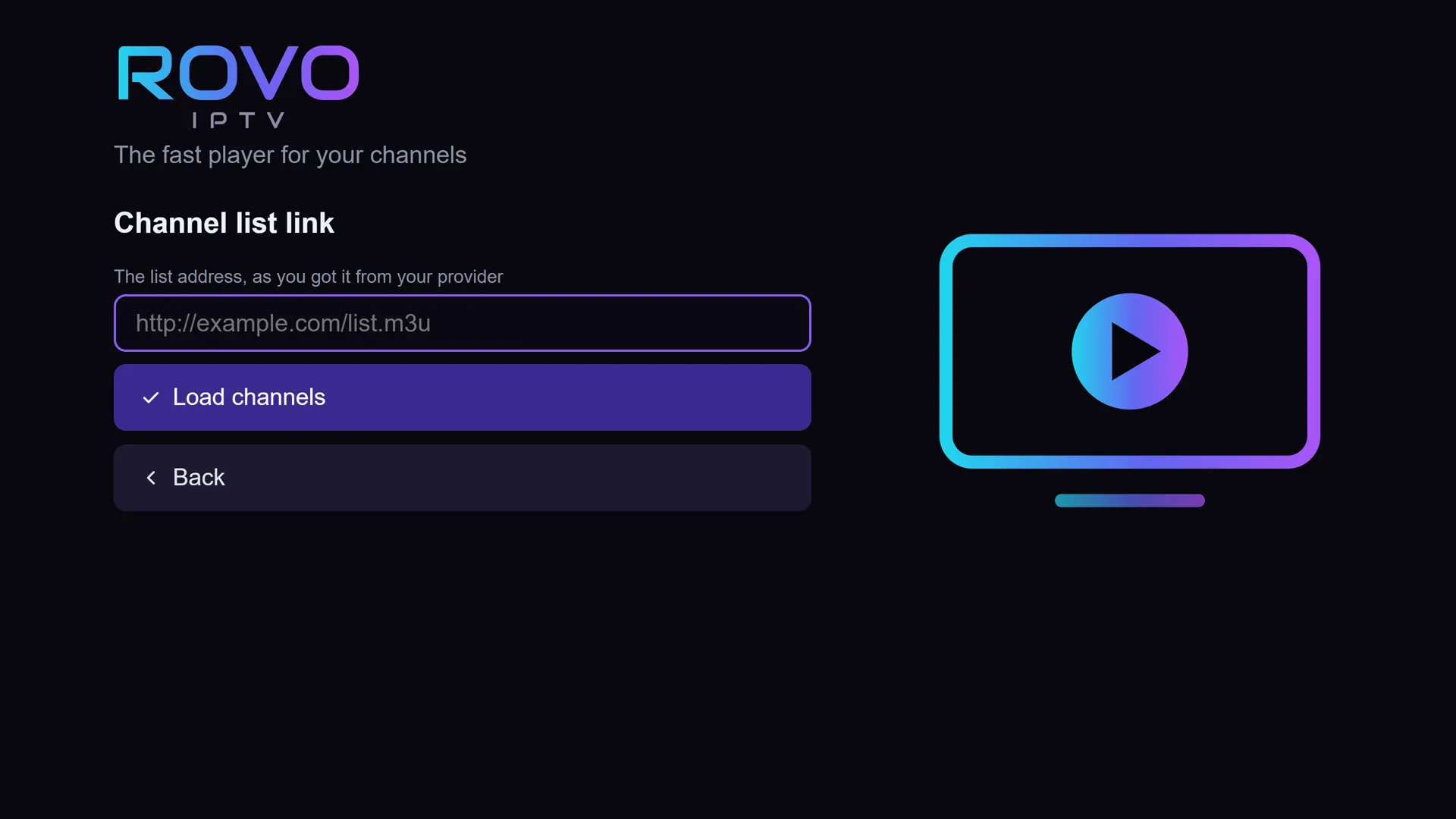
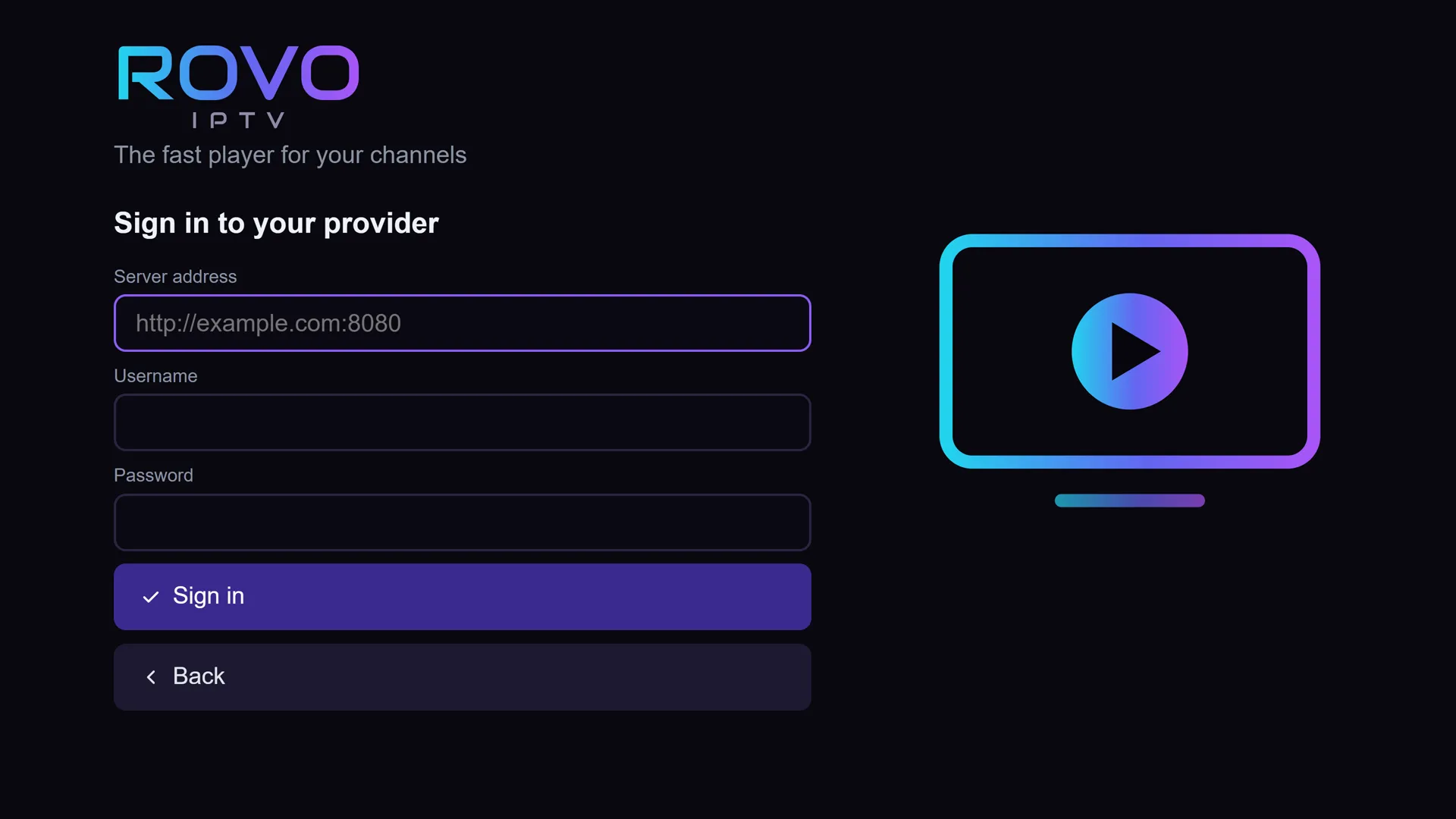
Your details are stored only on the TV and are never sent to us. Rovo does not recommend providers or link to them.
And watch.
- Switch channels with the up and down arrows on your remote. One press, done.
- Huge list? Rovo stays smooth even with tens of thousands of channels, and shows each channel once.
- Stream stalled? Rovo drops to a lower quality by itself and keeps playing.
- TV guide, movies and series appear if your provider supplies them.
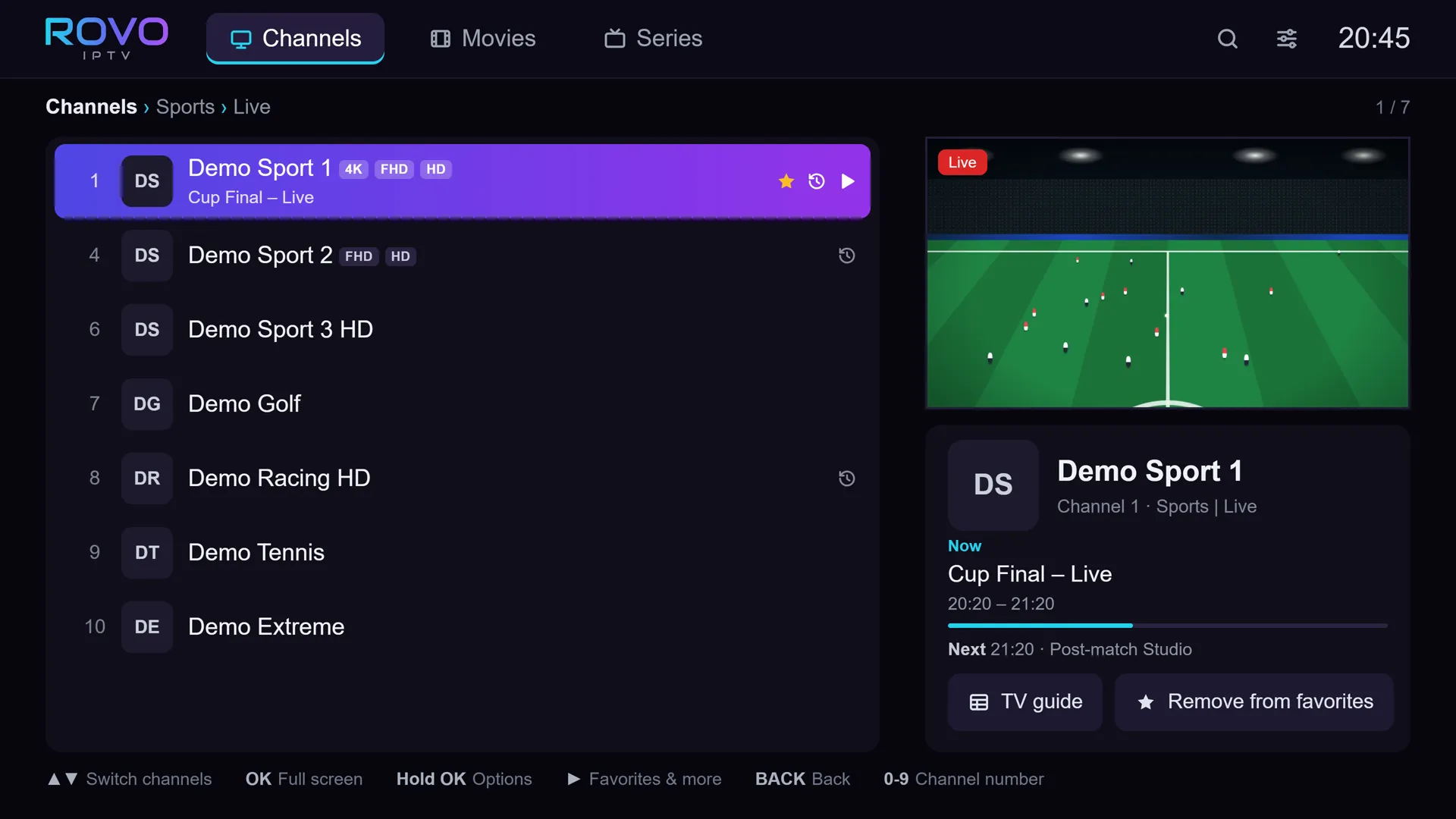
Demo channels. Rovo includes no channels.
The first week
is open, as a gift.
For the first week after installing, every Premium feature is open. At the end of the week Rovo returns to the free version by itself, with no charge and nothing for you to do.
Loved it? Premium costs $9.9029.90 ₪, once, for one TV.
Where to find
your TV code.
A short code the app works out inside the TV, for example 2PJ-ERS. It is shown on the Rovo Premium screen in the app. Enter it on the purchase page to get an activation code made for that TV.
A few more things worth knowing
Language: Rovo works in עברית, English, Русский and العربية. Change it in Settings.
Deleting your data: Settings › Clear data › Delete all data. Or simply uninstall the app.
Parental lock: you can lock channel groups with a code.
Something
not working?
My list won't load.
Check that the address or login details are typed exactly as you received them, including capital letters. If they are right, check with your provider that the list is active.
One channel won't open.
Rovo tries a lower quality by itself when a channel stalls. If it still won't open, the problem may be the stream itself at your provider. Try another channel to check.
My activation code doesn't work.
Check that you typed it exactly as in the email. If it still doesn't work, write to us with your order number. If the fault is ours and we cannot fix it, you get a full refund.
I replaced my TV.
Contact support with your order number, and we will help move the license to the new TV.