
Premium.
Once, for good.
Every Rovo feature, on one TV, for a single payment. Not a subscription, and no recurring charges.
$9.9029.90 ₪
Once. Not a subscription. For one TV.
Two steps,
and Premium is on.
- Find your TV code. In Rovo on your TV, open the Rovo Premium screen. The code is shown there, for example 2PJ-ERS.
- Enter it here and pay. Payment happens on the payment provider's secure page. Your activation code is sent to the email you enter there, and you type it into the TV.
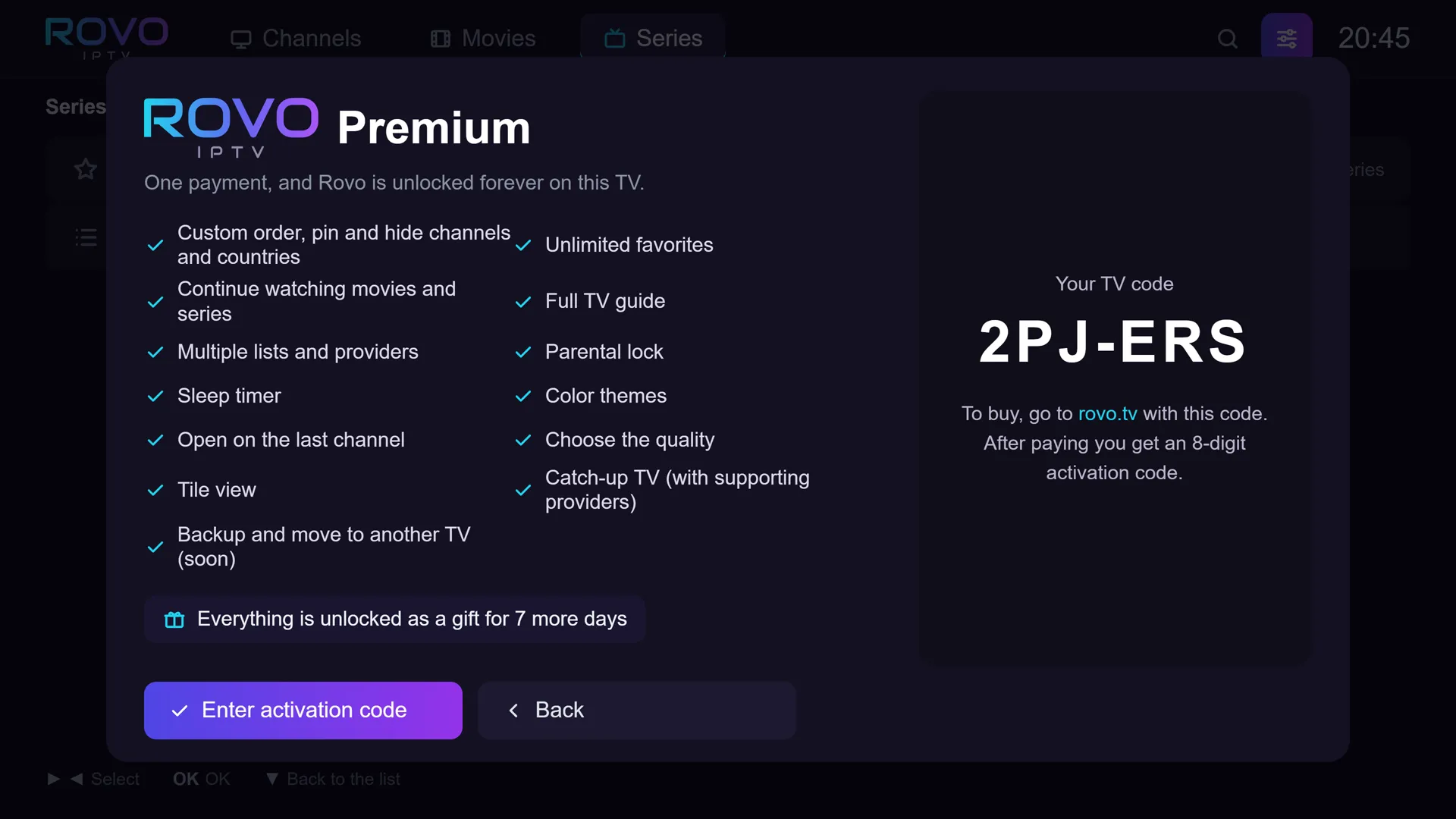
Example code. Every TV has its own.
Card details are entered on the payment provider's page and never pass through us. On that page you also enter an email, where your activation code and receipt are sent.
Terms, cancellation and refunds: read them
What Premium
unlocks.
The free version stays free forever, with no ads. Premium adds everything else. For the first week after installing, it is all open as a gift, so you can try it before deciding.
| Feature | Free | Premium |
|---|---|---|
| Live channels from an M3U list or Xtream | Included | Included |
| Fast channel switching and automatic quality | Included | Included |
| Preview and search | Included | Included |
| No ads, in 4 languages | Included | Included |
| Movies and series | Included | Included |
| TV guide | Now and next | Full guide |
| Favorites | Up to 10 | Unlimited |
| Channel lists | One list | Several lists and providers |
| Parental lock | Existing locks work | Set up locks |
| Resume movies and series | Not included | Included |
| Recently watched | Not included | Included |
| Open on the last channel | Not included | Included |
| Custom order, pinning and hiding of channels, countries and groups | Not included | Included |
| Rewind live TV, where the provider supports it | Not included | Included |
| Choose quality manually | Not included | Included |
| Grid view | Not included | Included |
| Color themes | Not included | Included |
| Sleep timer | Not included | Included |
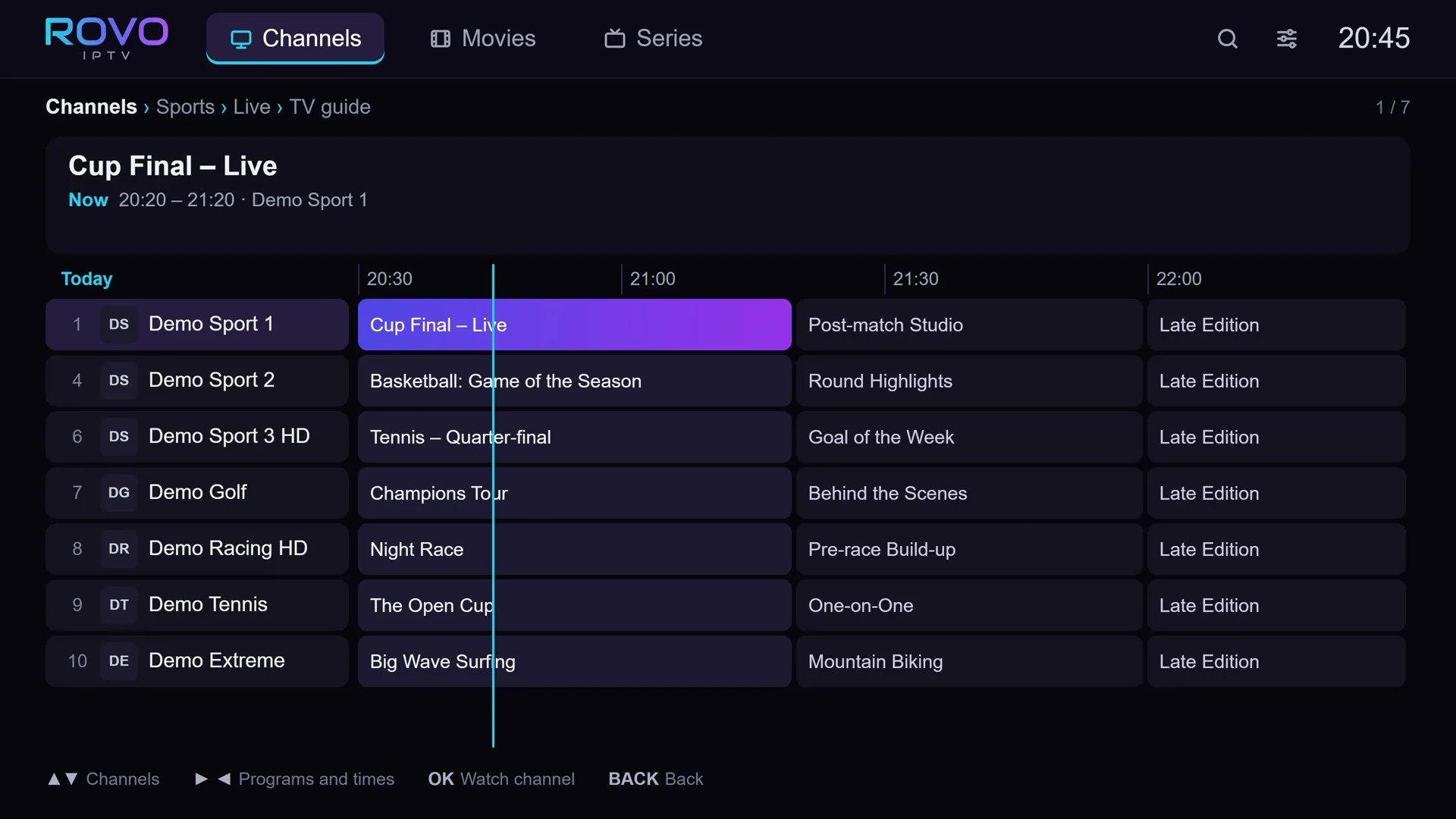
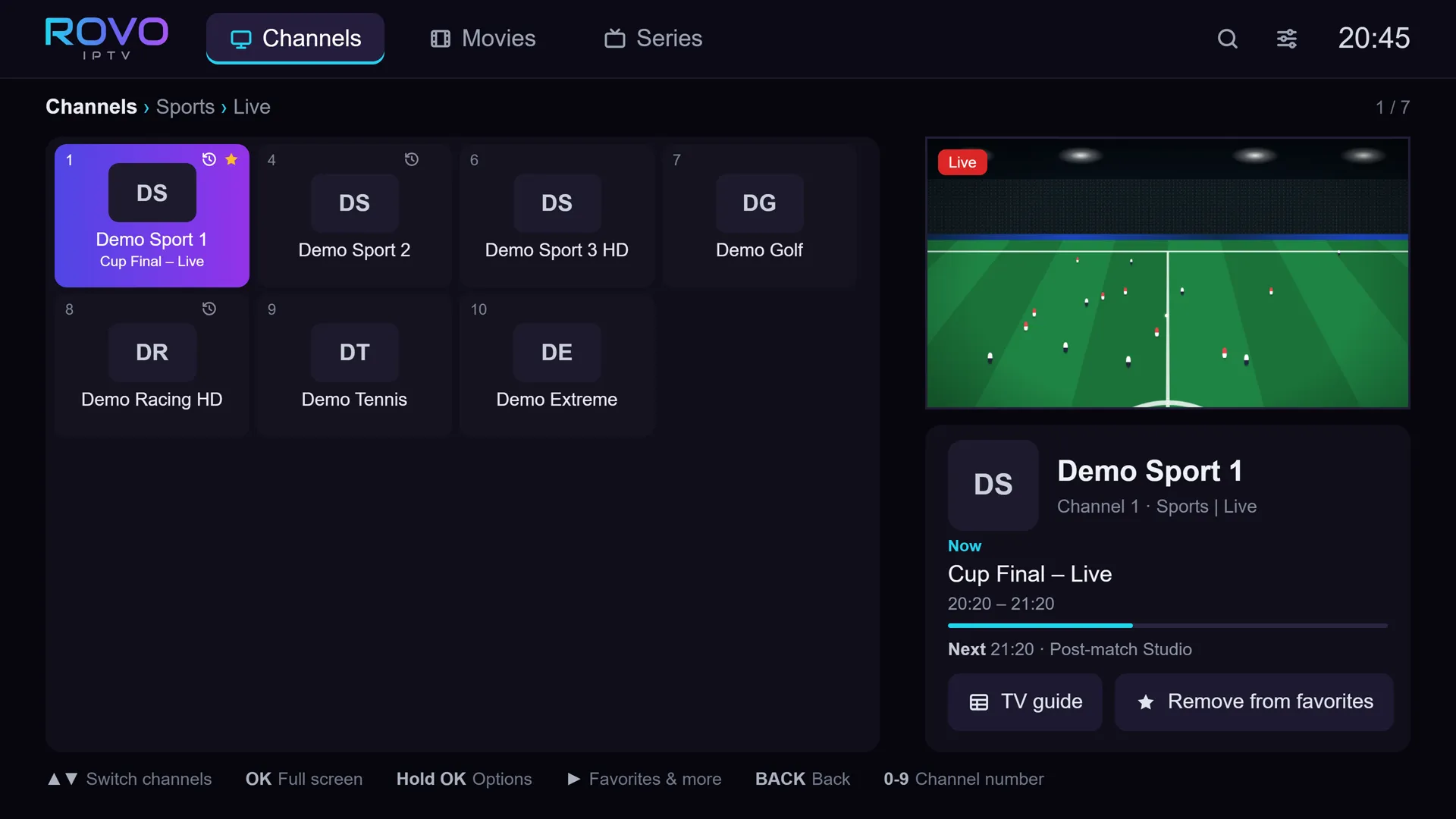
What we
promise.
Code doesn't work? Full refund.
If your activation code fails because of a fault on our side that we cannot fix, you get all of your money back.
New TV? The license moves.
Contact support with your order number, and we will help move your license to the new TV.
Cancellation by law.
Cancellations and refunds follow consumer protection law. Full details in the terms of service.
Before
you buy.
Is it a subscription?
No. You pay once, and Premium stays unlocked on that TV. No monthly charge, no automatic renewal.
Where is the activation code sent?
To the email you enter on the payment page, together with your receipt. If it has not arrived within a few minutes, check your spam folder, or write to us with your order number.
I have two TVs.
Each license unlocks one TV, by that TV's code. For the second TV, buy another license with its code. The free version works on every TV.
I entered the wrong TV code.
Write to us with your order number and the right code, and we will sort it out.
Can I try before I buy?
Yes. For the first week after installing, every Premium feature is open, with no payment and no details to enter.
How do I pay?
On the payment provider's secure page, with the payment methods it offers. Your card details never reach us.